Blog Migration
Took full ownership of migrating Vimeo's blog from a legacy WordPress setup to a modern headless CMS. Consolidated two separate content management systems into one, improved the content-editor experience, and reduced annual operating costs.
- Company
- Vimeo, 2024/2025
- Role
- Software Engineer III
- Team
- 1 eng · 1 designer · 1 Sr. SEO/AEO Growth Manager
- Timeline
- ~4 months
- Focus
- Data Migration, Legacy Systems, Headless CMS, Tech Debt Reduction
Problem
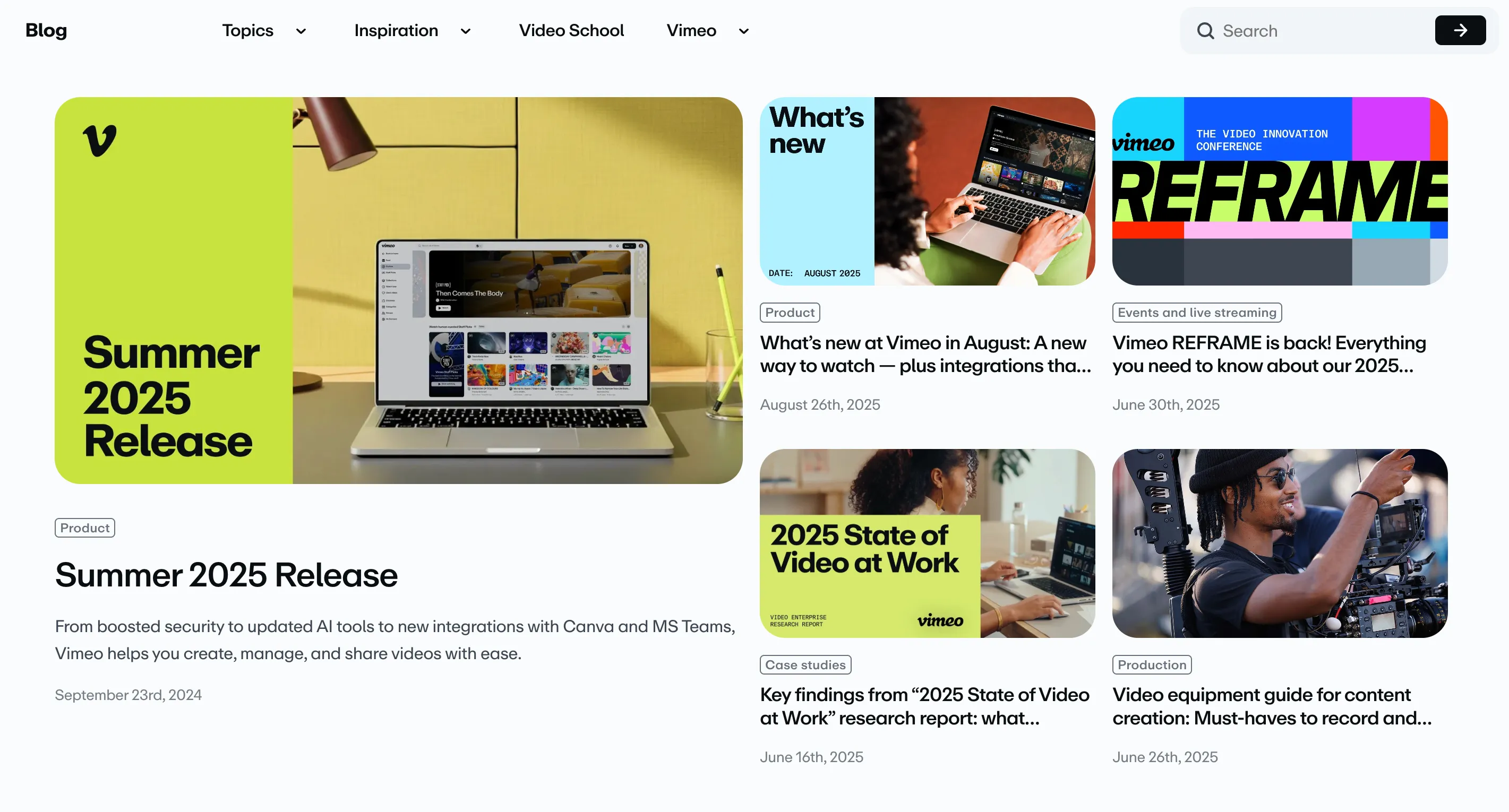
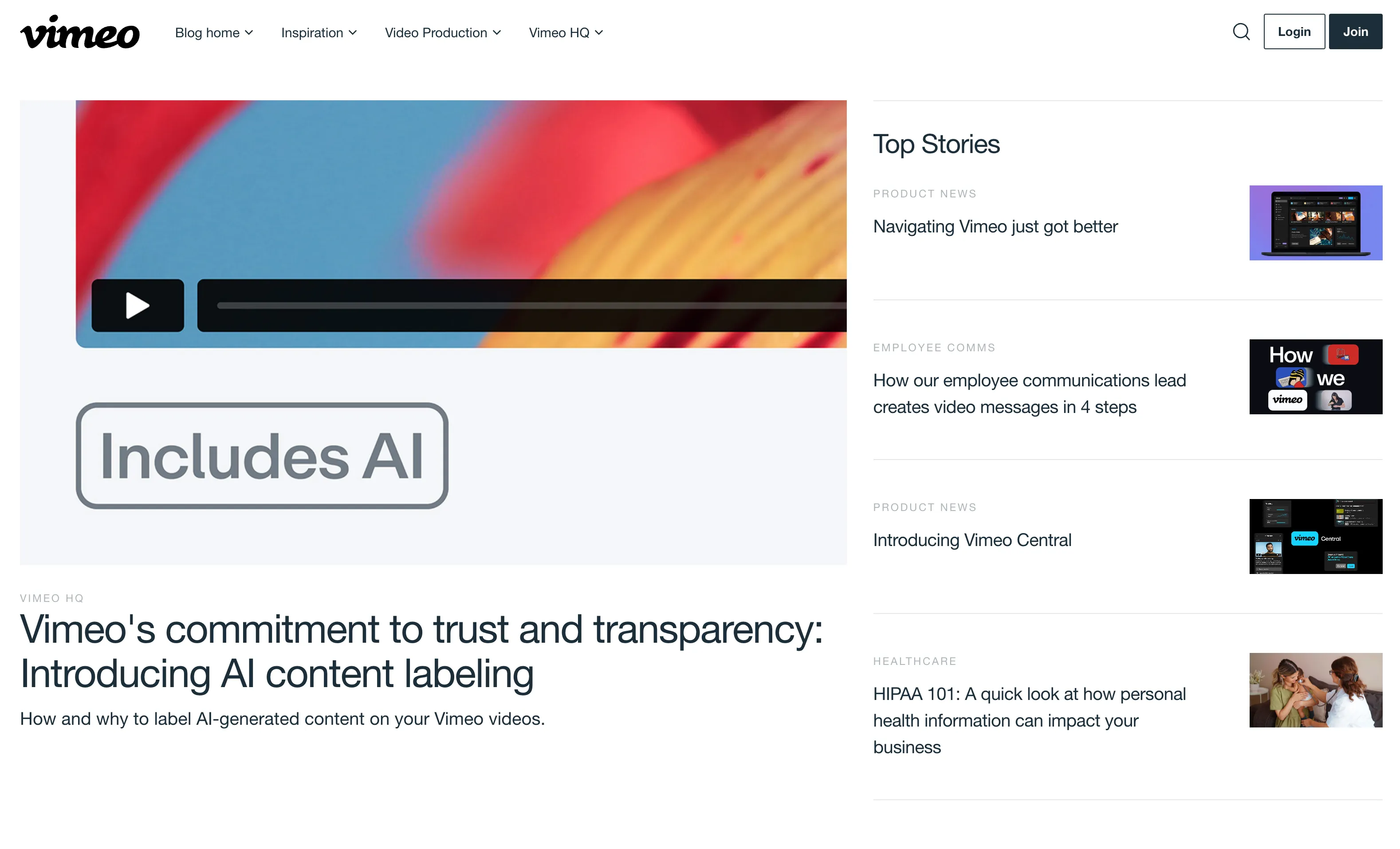
Vimeo’s blog hosted thousands of posts dating back to the early 2000s and ran on a legacy WordPress instance maintained by an outside contractor. It was completely separate from the rest of the marketing codebase - expensive to operate, difficult to maintain, and visually out of step with a company-wide rebranding effort underway at the time.
Approach
I took on the migration end to end. The first step was a thorough audit of every custom block type in WordPress, mapping each one to an equivalent React component in the new headless CMS. The goal wasn’t just a technical lift-and-shift, the new components also needed to align with Vimeo’s updated design language and use the same component library as the rest of the marketing site.
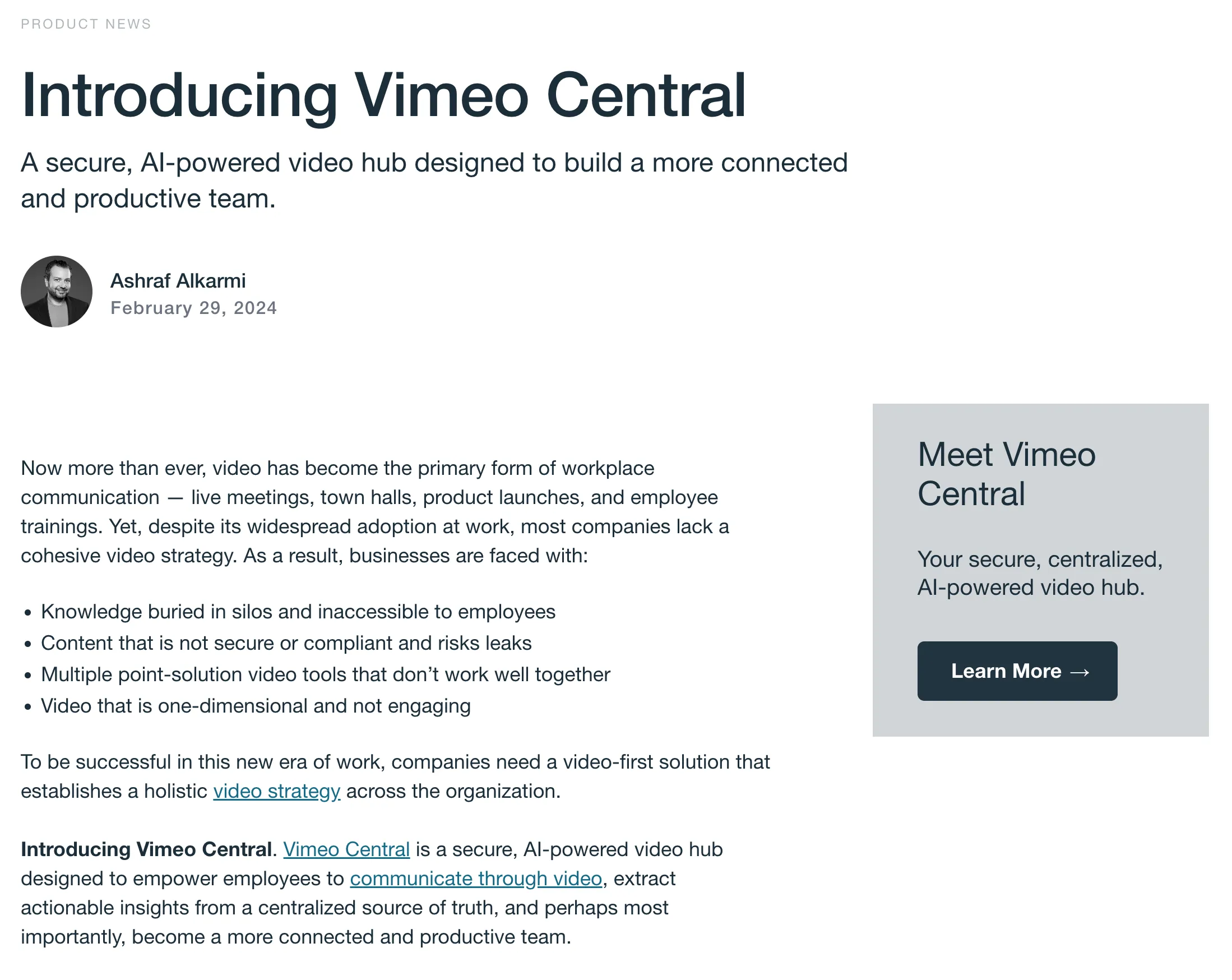
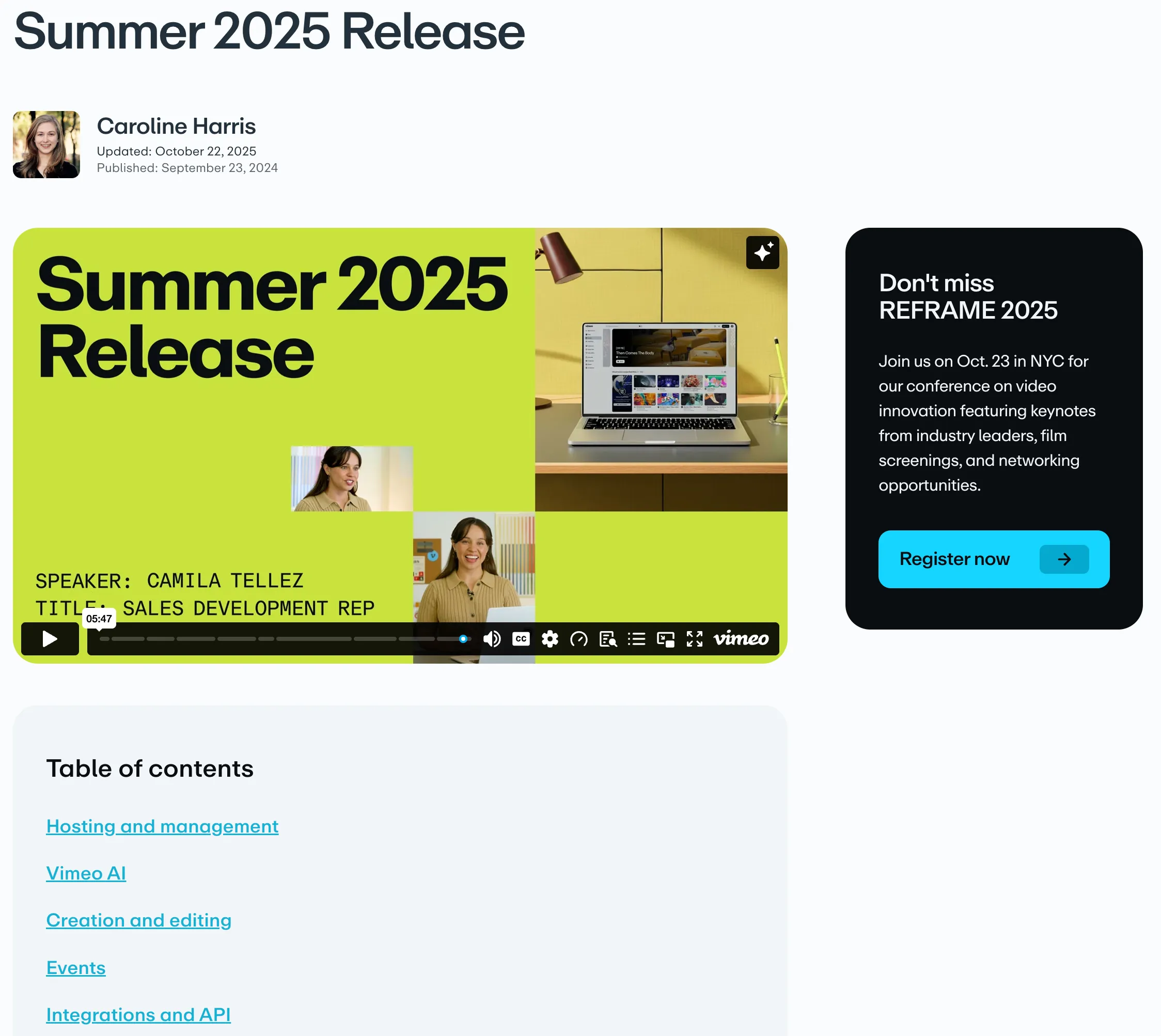
Once the component mapping was complete, I wrote a data migration script to convert the full archive of posts to the new format. With thousands of posts and varying block configurations, content integrity was a primary concern throughout.
Protecting content and search rankings
A migration this size isn’t only about moving content. It’s also about deciding what not to move. Not every post from two decades deserved to come along, so we triaged outdated posts: some got a 301 redirect to a newer post on the same topic, some redirected to the blog home page, and posts with no traffic and no successor were retired outright. I worked closely with our Senior SEO/AEO Growth Manager to prioritize the posts that drove the most search traffic, so the move protected the rankings that mattered most. Validation was a team effort: I worked with the content marketing team to review migrated posts, tracking every post’s status in a shared spreadsheet so nothing fell through the cracks.
Outcome
The migration moved Vimeo’s blog archive onto the headless CMS, consolidating two content management systems into one and retiring a contractor-maintained WordPress codebase along with its recurring costs. Outdated posts were triaged rather than migrated wholesale, and the posts that drove the most search traffic made the move with their rankings intact. Content editors now publish with the same component library as the rest of the marketing site, so new posts match the rebrand by default. After launch, I continued as the blog’s owner, partnering with SEO and marketing on ongoing improvements.